You press the power button on your computer. The fans whir, the screen lights up, and you wait. In that brief moment of anticipation, your entire digital life hangs in the balance. It is stored on a drive that is inevitably, slowly, dying.
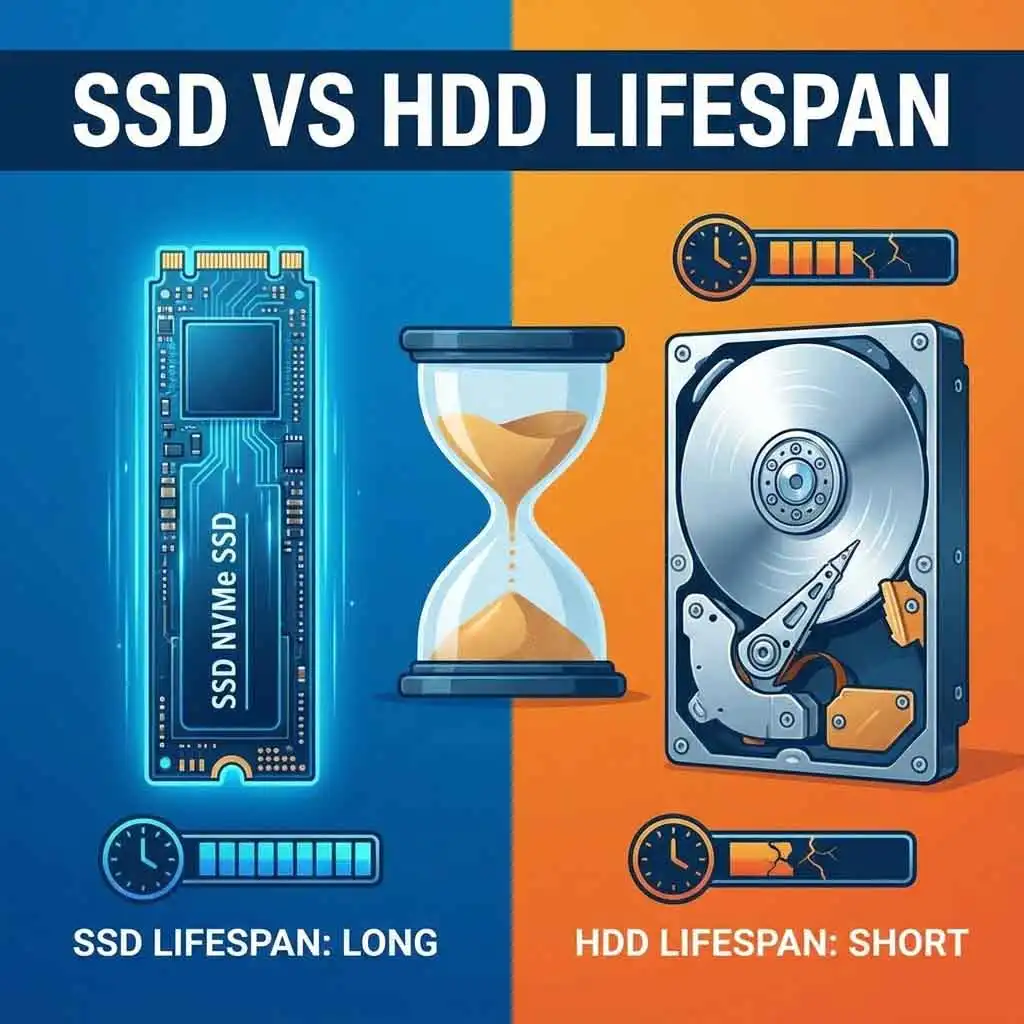
The debate of SSD lifespan vs HDD lifespan is not just about speed anymore; it is about survival. For years, we were told that Solid State Drives (SSDs) were fast but fragile, while Hard Disk Drives (HDDs) were slow but reliable tanks.
In 2025, that narrative has shifted dramatically.
If you are a normal user—someone who browses the web, plays games, edits the occasional photo, and writes documents—the rules of storage have changed. You aren’t running a data center, so why should you judge your hardware by enterprise standards?
In this comprehensive guide, we will strip away the jargon. We will compare the mechanical ticking time bomb of the HDD against the chemical degradation of the SSD. By the end, you will know exactly which drive is more likely to fail you first, and how to spot the warning signs before it’s too late.
The Engineering Battle: Flash vs. Mechanics
To understand the SSD lifespan vs HDD lifespan comparison, you have to look under the hood. The fundamental difference in how these drives operate dictates exactly how they die.
The Mechanical HDD: Moving Parts, Inevitable Wear
Inside a traditional Hard Disk Drive (HDD), there is a spinning magnetic platter (resembling a CD) and a read/write head on an actuator arm (resembling a record player needle).
This platter spins at incredible speeds—usually 5,400 or 7,200 revolutions per minute. The read/write head hovers nanometers above the surface. It is a marvel of engineering, but it has a fatal flaw: physics.
- Friction: bearings eventually dry out and seize.
- Vibration: physical shock can cause the head to crash into the platter.
- Heat: expansion and contraction wear down the motor.1
The Solid State SSD: The Chemical Battery
An SSD has zero moving parts.2 It uses NAND Flash memory, which stores data as electrical charges within cells.3
There are no motors to burn out and no platters to scratch.4 However, writing data to an SSD is a destructive process.5 To write new data, the SSD must blast an electrical charge through an insulator to trap electrons.6 Over time, this insulator degrades.
Think of an SSD like a rechargeable battery. You can only charge and discharge it so many times before it stops holding a charge. This is the core of the SSD lifespan vs HDD lifespan argument: mechanical failure vs. chemical exhaustion.
Measuring Longevity: TBW vs. MTBF
When you look at a spec sheet, you will see two confusing acronyms. Understanding them is key to predicting when your drive will meet its maker.
TBW (Total Bytes Written)
This is the fuel gauge for SSDs. Manufacturers guarantee that an SSD can write a specific amount of data before it becomes unreliable.7
- Example: A standard 1TB NVMe SSD often has a rating of 600 TBW.8
- What this means: You can write 600 Terabytes of data to the drive before it is “expected” to fail.
MTBF (Mean Time Between Failures)
This is the standard metric for HDDs. It is a statistical average measured in hours.
- Example: A standard HDD might have an MTBF of 1 million hours.
- The Trap: This does not mean your drive will last 1 million hours (that’s 114 years!). It means that in a group of 1,000 drives, one might fail every 1,000 hours. It is a probability score, not a timer.
The “Normal User” Reality Check
Here is where the fear-mongering usually starts. Tech enthusiasts will warn you that SSDs “wear out” because of the write limits.9 But let’s apply some math to the SSD lifespan vs HDD lifespan equation for a normal user.
The Math of SSD Endurance
Let’s take that 1TB SSD with a 600 TBW limit.
A “heavy” normal user might write 40GB of data per day.10 This includes:
- Browsing the web (caching images).
- Downloading a game update.
- Editing a document.
$$600,000 \text{ GB (Total Capacity)} \div 40 \text{ GB/day} = 15,000 \text{ days}$$
$$15,000 \text{ days} \div 365 \text{ days/year} \approx 41 \text{ years}$$
The Reality: Under normal home usage, the write endurance of a modern SSD is effectively infinite. The controller board or the capacitors will likely fail from old age long before you “use up” the write cycles.
The Math of HDD Endurance
An HDD does not have a “write limit,” but it has a “time limit.” The warranty on most consumer HDDs is 3 to 5 years.
According to data from cloud storage provider Backblaze, HDD failure rates follow a “bathtub curve.”11 Failures are higher in the first few months (factory defects), drop for a few years, and then skyrocket after the 5-year mark due to mechanical wear.
For a normal user, an HDD is living on borrowed time after year 5. An SSD is just getting warmed up.
Failure Modes: How They Die
Knowing when they die is important, but knowing how they die can save your data. The symptoms of SSD lifespan vs HDD lifespan endings are radically different.
The Screaming Death of an HDD
HDDs often give you a warning before they expire. Because they are physical machines, they make physical noises.
- The Click of Death: A loud, rhythmic clicking sound indicates the actuator arm is failing to find data.
- Grinding: Indicates bearing failure.
- Slow-downs: If opening a folder takes 10 seconds and the drive hums loudly, it is trying repeatedly to read a bad sector.
The Good News: You usually have time to copy your data to a backup when you hear these noises.12
The Silent Death of an SSD
SSDs are silent killers.13 Because there are no moving parts, there are no audio cues.14
- Read-Only Mode: When an SSD detects that its cells are wearing out, some firmware is designed to lock the drive into “Read-Only” mode.15 You can copy your files off, but you cannot delete or save new files. This is a safety feature.
- Controller Failure: This is the more common and dangerous death. If the electronic controller chip on the SSD spikes or fails, the drive simply vanishes. The computer won’t recognize it exists. No warning, no recovery.
The Cold Storage Factor: A Win for HDDs?
There is one specific scenario where the SSD lifespan vs HDD lifespan debate flips in favor of the old-school hard drive: Cold Storage.
Cold storage refers to putting data on a drive and unplugging it, then putting it in a drawer for years.
The Bit Rot Problem
SSDs store data as electrical charges. If you leave an SSD unplugged for several years, those electrons can slowly leak out of the insulation layers.16 This is called “data fade” or “bit rot.”
- Risk: If you store family photos on an SSD and put it in a hot attic for 5 years, you might find the drive blank when you plug it back in.
HDDs use magnetic polarity. While magnetic fields can degrade, they are generally much more stable over long periods of no power. If you need to bury a drive in a time capsule for 10 years, use an HDD.
Factors That Kill Your Drive Faster
Regardless of which side of the SSD lifespan vs HDD lifespan fence you sit on, certain habits will accelerate the death of your storage.
What Kills SSDs?
- Defragmentation: Never defrag an SSD. It performs thousands of unnecessary write operations, eating into your TBW for zero performance gain.
- Full Capacity: SSDs struggle when they are 99% full. The drive has to work harder to move data around to find empty blocks (a process called Wear Leveling), which burns through lifespan faster.
- Heat: While SSDs are tough, extreme heat (above 70°C) can degrade the data retention of the NAND cells.
What Kills HDDs?
- Movement: Using a laptop with an HDD on a bumpy bus ride is a death sentence. The read head can slap the platter.
- Magnets: Strong magnetic fields can wipe data (though this is rare in modern times).
- Power Cycling: Spinning a drive up and down 20 times a day stresses the motor more than letting it spin constantly.
SSD vs HDD: The 2025 Durability Comparison Table
Let’s summarize the SSD lifespan vs HDD lifespan metrics for a quick overview.
| Feature | Solid State Drive (SSD) | Hard Disk Drive (HDD) |
| Primary Failure Cause | Electronic/Controller Failure | Mechanical Motor/Head Failure |
| Expected Lifespan (Normal Use) | 10+ Years | 3 – 5 Years |
| Impact of Drops/Shock | Very Resistant | Highly Sensitive (Fatal) |
| Warning Signs | None (Sudden Death) or Read-Only | Noise, Clicking, Slow Performance |
| Lifespan Metric | TBW (Total Bytes Written) | Hours of Operation |
| Best For | Boot Drive, Games, Apps | Mass Backup, Cold Storage |
Why Price Per Gigabyte Still Matters
While we are discussing longevity, we cannot ignore the cost. The SSD lifespan vs HDD lifespan conversation is often decided by your wallet.
As of 2025, SSD prices have dropped, but HDDs remain the king of cheap capacity.
- SSD: Roughly $0.05 – $0.08 per GB.
- HDD: Roughly $0.015 – $0.02 per GB.
If you need to store 8 Terabytes of movies, an SSD will cost you $400+. An HDD will cost you $120. For data that sits there and is rarely accessed (like a movie collection), the HDD is more cost-effective, even if it might mechanically fail sooner. The money you save can be used to buy two HDDs for backup redundancy!
Data Recovery: The Final Frontier
If the worst happens and your drive dies without a backup, which one gives you a second chance?
HDDs are easier to recover. Because the data is magnetically written on a physical platter, professional data recovery labs can often transplant the platters into a new housing and read the data, even if the motor is dead.
SSDs are difficult. If the controller chip dies, the data is encrypted and scrambled across multiple memory chips. Reassembling that data is like solving a billion-piece puzzle. It is expensive and often impossible.
[Internal Link: Learn about our Data Backup Strategies here]
Verdict: Which One Should You Trust?
So, back to the core question: SSD lifespan vs HDD lifespan—who wins?
For the normal user, the SSD is the undisputed winner.
- It is immune to being dropped (a common cause of laptop drive death).
- Its “write limit” is practically unreachable for daily tasks.
- It will likely outlast the rest of your computer components.
The HDD is now a specialized tool. It belongs in a server, a NAS (Network Attached Storage), or a desktop backup drive. It is a workhorse for volume, not a vault for longevity.
5 Tips to Extend Your Drive’s Life
- Keep it Cool: Ensure your PC case has good airflow.
- Don’t Fill it Up: Keep at least 15-20% of your SSD empty to help the wear-leveling algorithms.17
- Power Protection: Use a surge protector. SSDs are sensitive to power spikes.18
- Disable Hibernation (Optional): If you rarely use it, hibernation writes the contents of your RAM to your SSD every time you power down, eating up write cycles.
- The Golden Rule: The only secure drive is a backed-up drive. Assume every drive will fail tomorrow.
External References
- Backblaze Hard Drive Stats – The industry standard for real-world failure rates.
- Kingston: Understanding SSD TBW – Manufacturer explanation of endurance ratings.
- Crucial: Average Life of an SSD – Insights into memory degradation.
You might like this…
Air Pollution Comparison to Smoking: 7 Shocking Reasons It’s a Dangerous Myth